A class that joins in
Give a topic a shared starting point. Students answer on their own devices, then you have something concrete to talk through.
Host live quizzes with your logo beside BeyondClass. Choose our ready-made packs, or bring questions your centre has permission to use.
For tutoring centres, private tutors and teaching teams. Partner access is arranged with the BeyondClass team.

Give a topic a shared starting point. Students answer on their own devices, then you have something concrete to talk through.
Centre packs have a recorded owner and stay out of the public library. Only your authorised hosts can select them for a room.
A focused workspace for hosting and room history. See players, scores and status, and end an unfinished room when you need to.
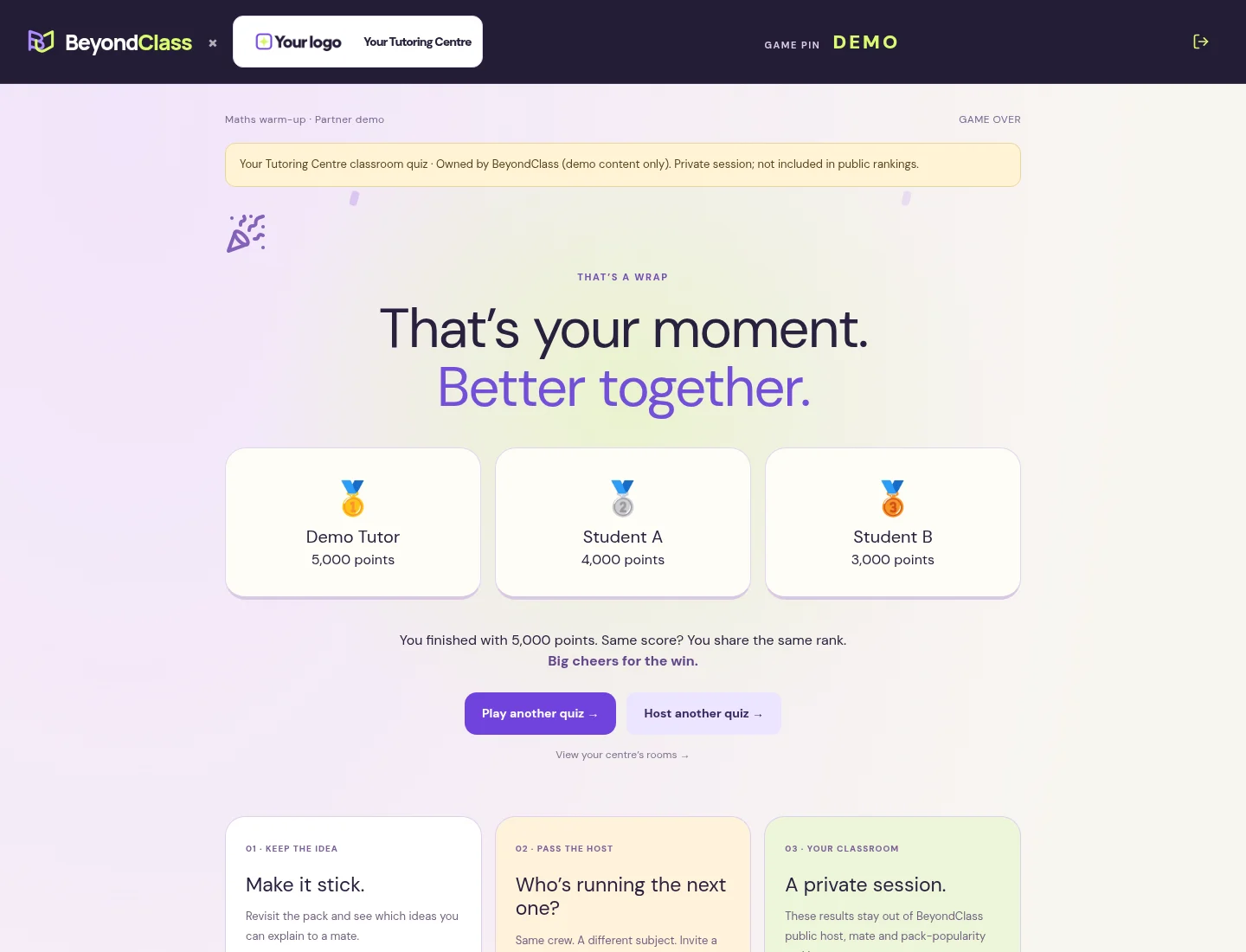
Your branding stays with the quiz from the hosting space to the results. After a round, students can revisit the questions and explanations.
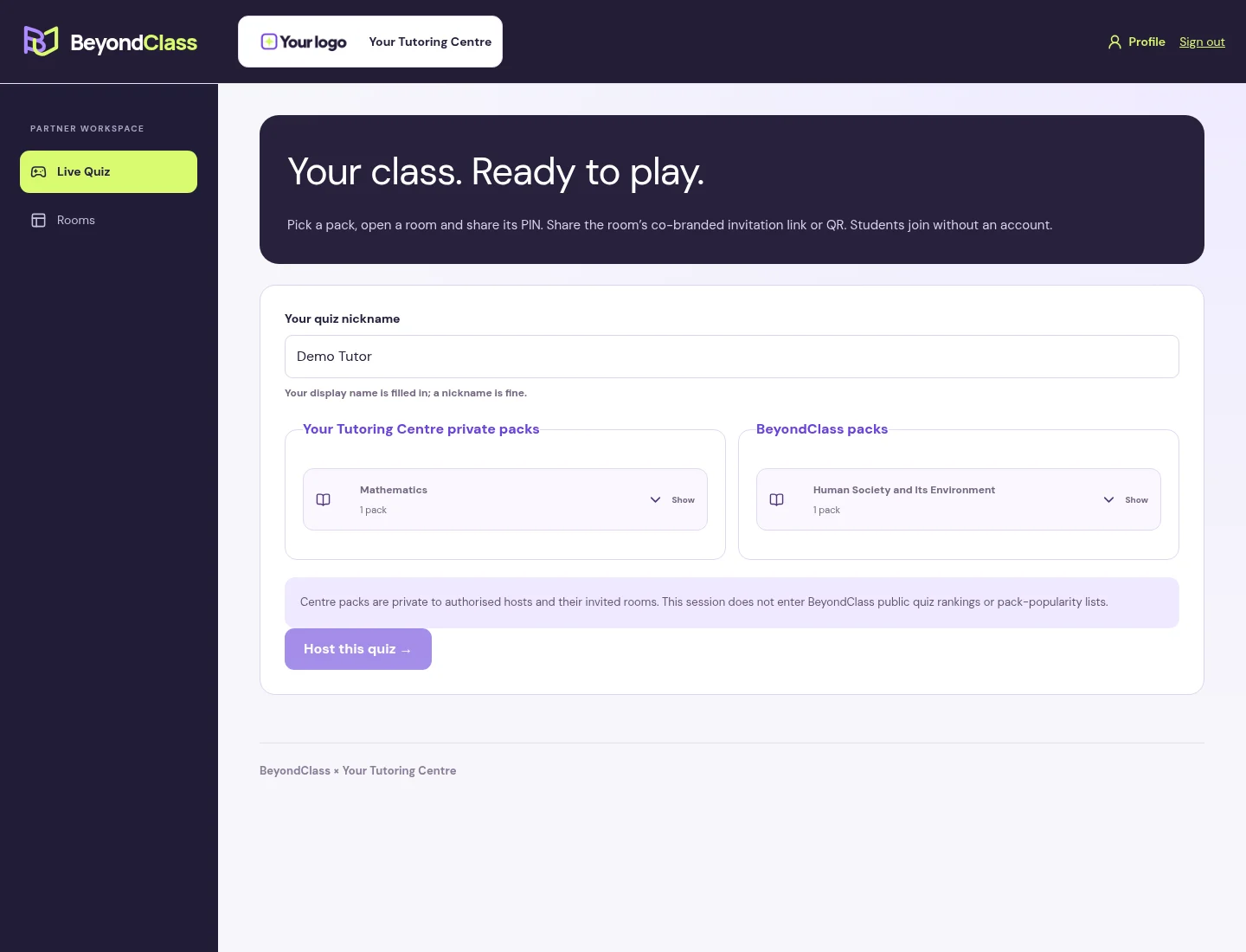
Authorised tutors choose a pack and host. A tutor’s display name is filled in as the default nickname.
We help set up the centre and its first packs. Your tutors run the sessions.
Tell us about your classes and subjects. We’ll discuss a demo and the setup that suits your teaching team.
We add your centre and authorised tutor accounts. Your team can update its display name, contact email and logo in Profile.
Use published BeyondClass packs, or send us your permitted single-choice questions for an assisted private-pack upload and review.
Open a room and use Share to WhatsApp to invite your class. Students can also join by PIN or QR, without an account. Review the round together, then check the session in Rooms.
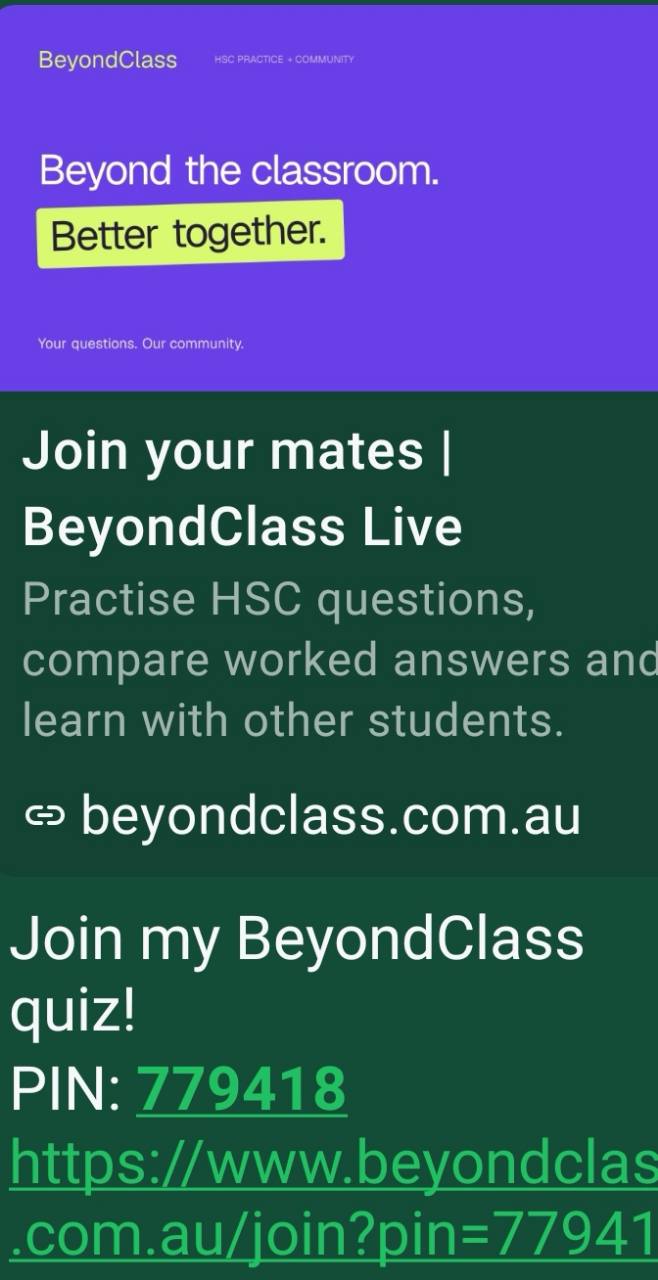
Share the room invite in your class WhatsApp group. Students tap the link and choose a nickname, without creating an account.
Partner invitations open your centre’s co-branded join page. Share only with the intended class.
Yes. Partner packs currently contain 3–10 single-choice questions, each with four options, one correct answer and an explanation. You provide material you own or have permission to use; a platform admin helps upload, check and publish it privately. We can discuss your subjects during the demo.
Your authorised centre accounts can select it for hosting. It does not appear in the public question library, public pack catalogue or practice-test builder. Students invited into a room can see the questions, explanations and results under the normal quiz rules.
A PIN or invitation link can be shared, and participants can capture what they see. Private catalogue access is not copy protection.
You retain ownership of content you provide. You permit BeyondClass to store and deliver it for your private sessions. Using a BeyondClass pack does not transfer its ownership to your centre; its original source credits remain.
Your logo appears beside BeyondClass. Branding edits apply to new rooms; existing rooms keep the branding and questions they started with.
No account is needed to join an invited quiz. Students follow the invitation link or use the PIN or QR, then choose a nickname. Tutors need a signed-in, authorised BeyondClass account to host.
Yes. In the room lobby, choose Share to WhatsApp, select your class group and send the invitation. The link opens your centre’s co-branded join page. Students do not need a BeyondClass account. Share invitations only with the intended class.
Authorised tutors can see their centre’s retained rooms, including player nicknames, scores and status. They can end unfinished rooms, and the original host can reopen an unexpired room. Partner sessions stay out of BeyondClass public quiz rankings.
No. These are short learning activities, not official HSC examinations or a replacement for written responses, practical work or teacher judgement. Content approval and independent teacher verification are different; check the pack’s credits and explanations.
Tell us who you teach and what you’d like to try. You don’t need an account to send an enquiry.
Your request goes privately to the BeyondClass team. We’ll arrange demo access with you; submitting the form does not create an account.
Want to explore first? Browse our subjects.